

Visual guide
1. Open the sign-in page
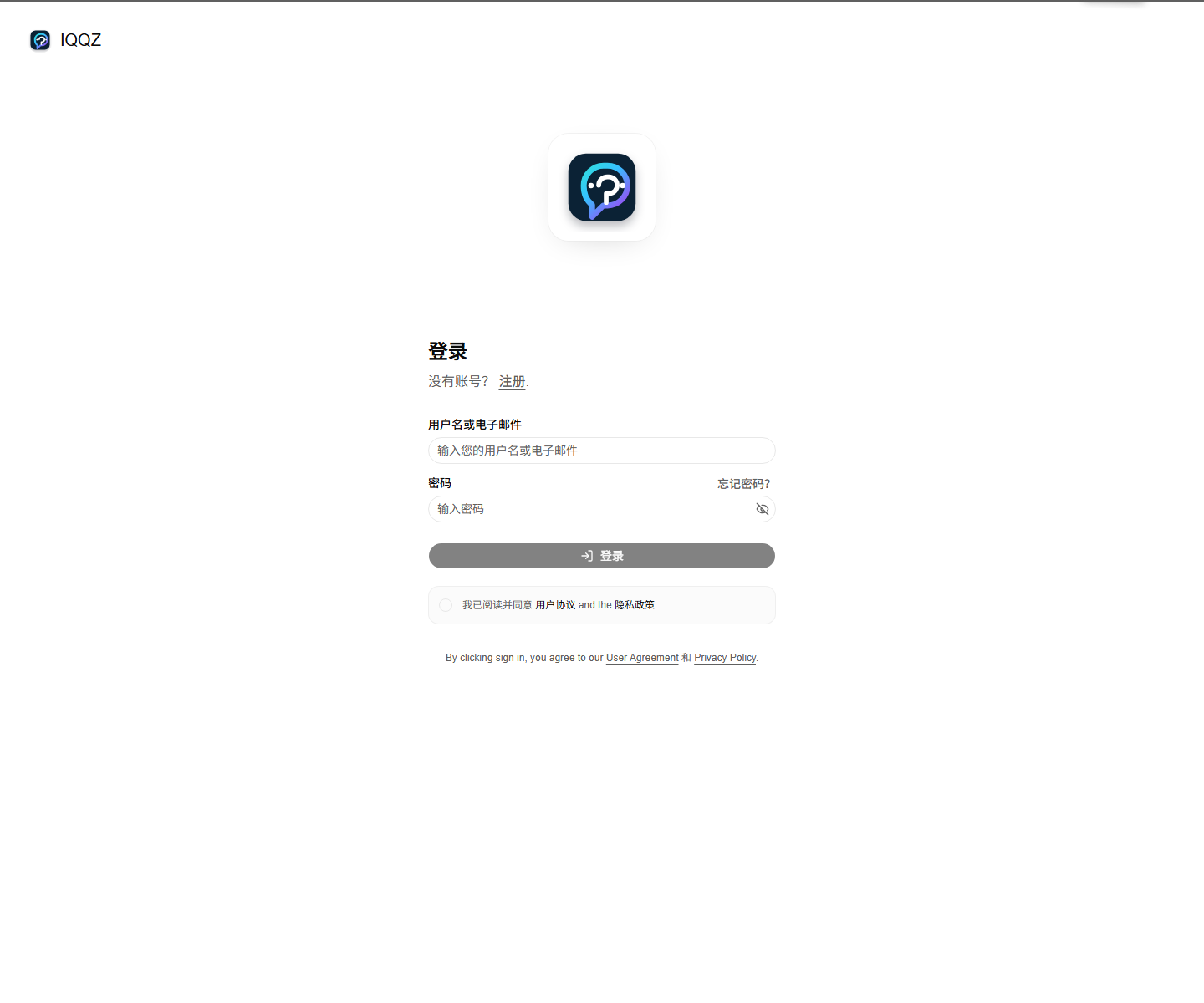 You can open it from the
 登录 link in the top navigation, or go directly to:
https://www.iqqz.com/sign-in
2. Enter your credentials
The sign-in page has two primary fields:- Username or email
- Password
登录 when you’re done.
Steps
- Open
https://www.iqqz.com/sign-in - Enter your username or email
- Enter your password
- Accept the terms and privacy policy
- Click
登录
Field guide
- Username or email: you can use either one
- Password: your account password
- Forgot password: goes to the recovery flow
- Register: if you don’t have an account yet
Tips
- If login fails, verify the username or email first
- Then double-check the password
- If you forgot the password, use the recovery page
After sign in
After a successful sign-in, you’ll usually land in the dashboard, where you can:- Review models and pricing
- Configure API access
- Check usage and account settings