

Visual guide
1. Open the recovery page
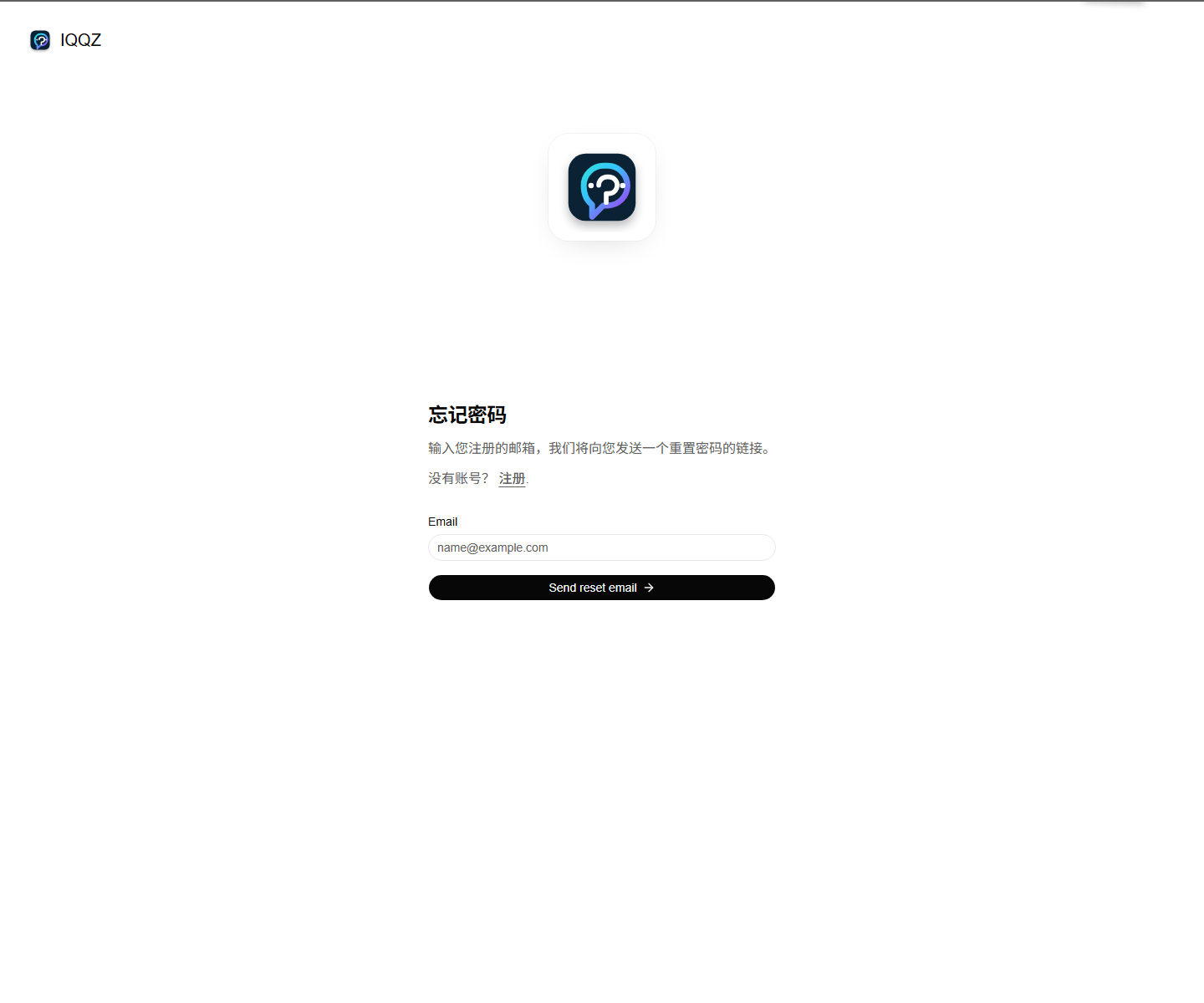 You can get there from
 忘记密码? on the sign-in page, or open:
https://www.iqqz.com/forgot-password
2. Enter your registered email
The page asks for the email you used when registering, then sends a password reset link.Steps
- Open
https://www.iqqz.com/forgot-password - Enter the email address you used during registration
- Click
Send reset email - Check your inbox for the reset email
- Use the link in the email to set a new password
Field guide
- Email: must be the email used for the account
- Send reset email: sends the reset email
- Register: use this if you don’t have an account yet
Tips
- Make sure the email matches the one on your account
- Check spam or junk if the email doesn’t arrive
- If the email is wrong, the reset email won’t reach you
After reset
When the password is changed, go back to the sign-in page:- Open
https://www.iqqz.com/sign-in - Enter your username or email
- Enter your new password
- Sign in to the dashboard