

Visual guide
1. Start from the homepage
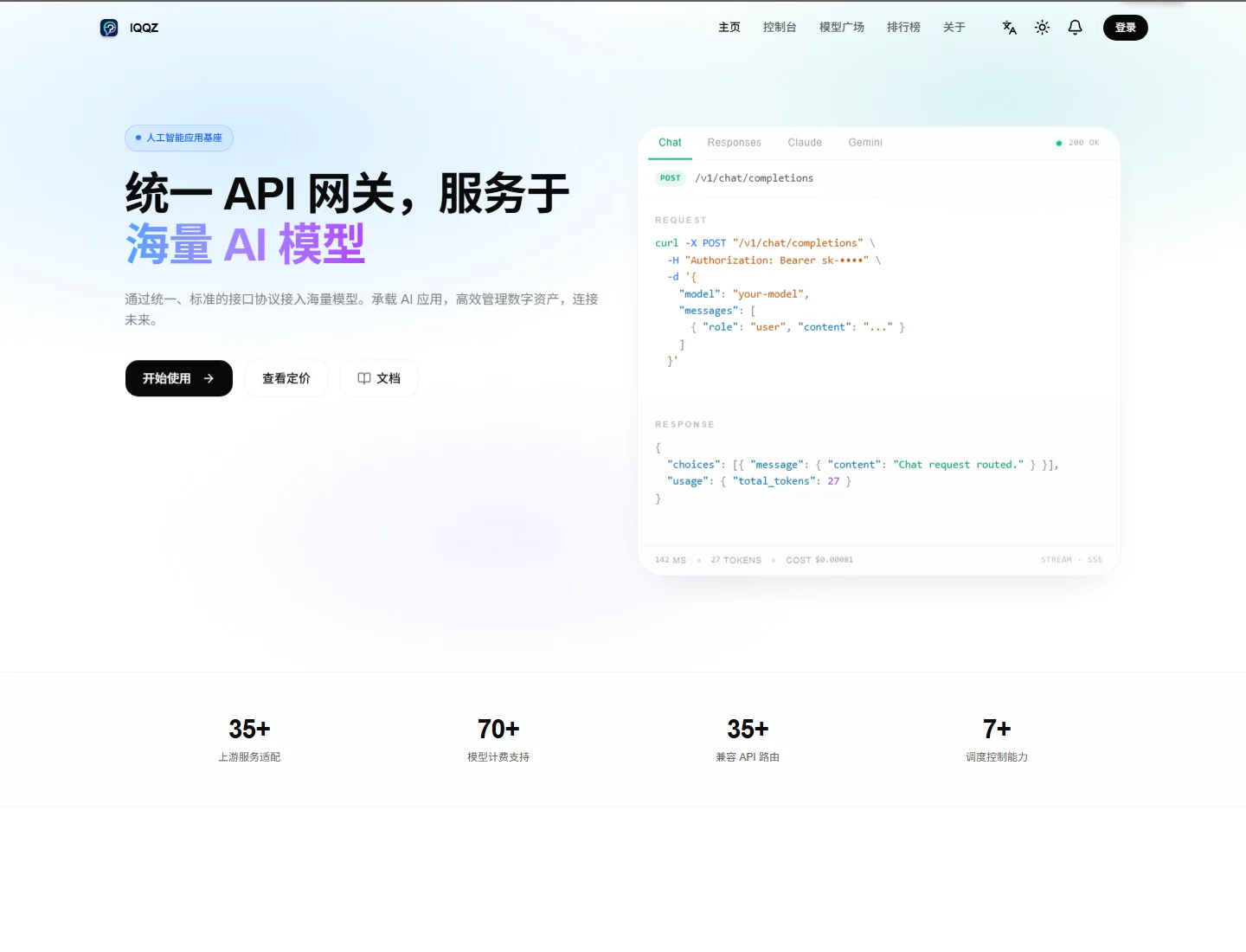
登录 and 开始使用. New users should click 开始使用 to open the sign-up page.
2. Fill out the form
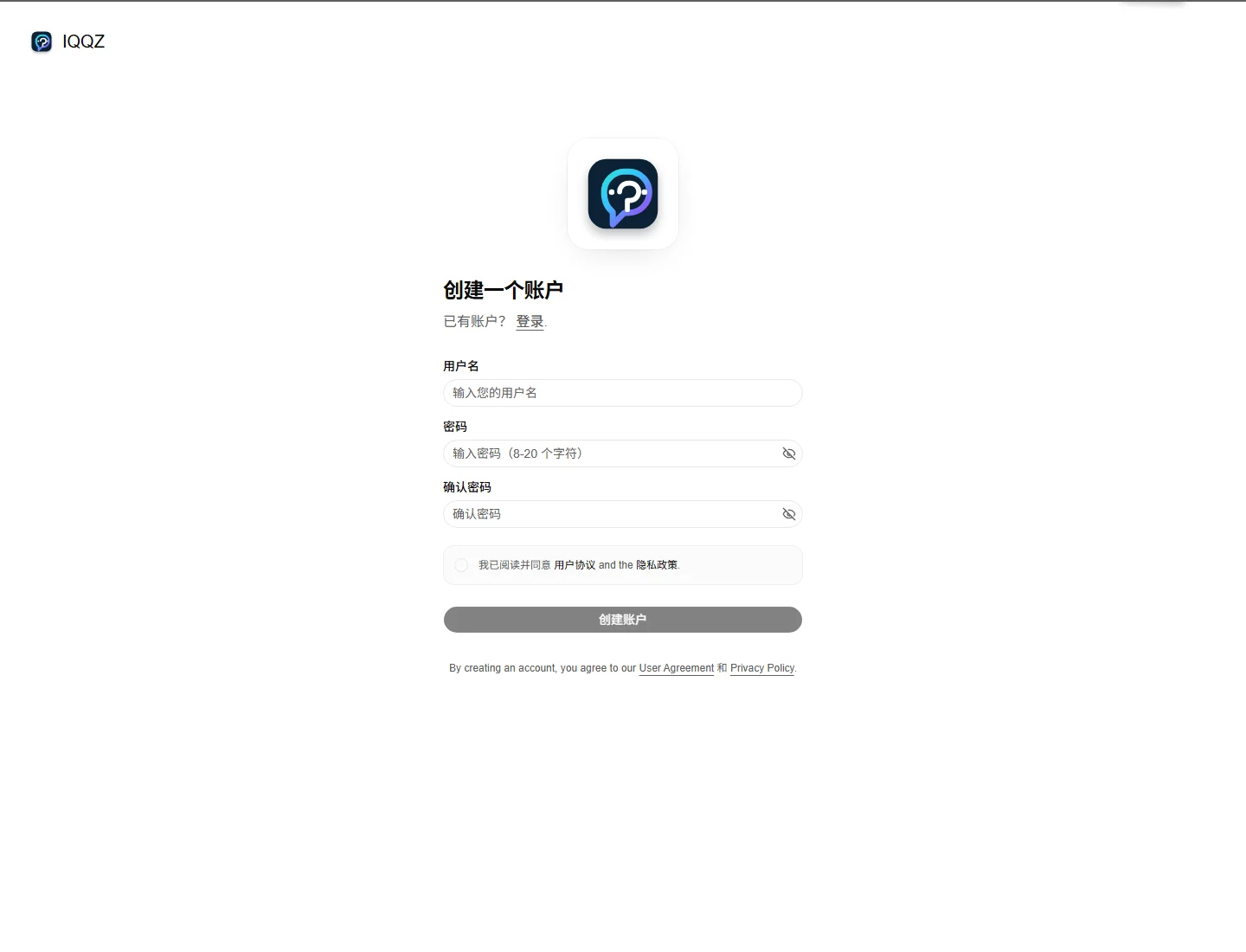
- Username
- Password
- Confirm password
- Accept the Terms and Privacy Policy
- Click
创建账户
Where to sign up
You can reach the sign-up page from:- The
开始使用button on the homepage - Directly at
https://www.iqqz.com/sign-up
登录 link on the sign-up page to go to sign in.
Steps
- Open
https://www.iqqz.com/sign-up - Enter a username
- Set a password, ideally 8 to 20 characters long
- Confirm the same password again
- Accept the Terms and Privacy Policy
- Click
创建账户
Field guide
- Username: your login name
- Password: your account password
- Confirm password: enter the same password again
- Terms of use: must be accepted before submission
- Privacy policy: acknowledged during registration
Tips
- Pick a username you can keep using
- Avoid reusing passwords from other sites
- If submission fails, check whether the username is already taken or the passwords do not match
After registration
After signing up, the usual next steps are:- Sign in on the login page
- Open the dashboard
- Review pricing, models, and API settings